 Digitoria
WhatsApp
Blog / DIGITORIA JOURNAL
Conversion Rate Optimization for Small Business Websites
A website can attract visitors and still lose enquiries when the next...
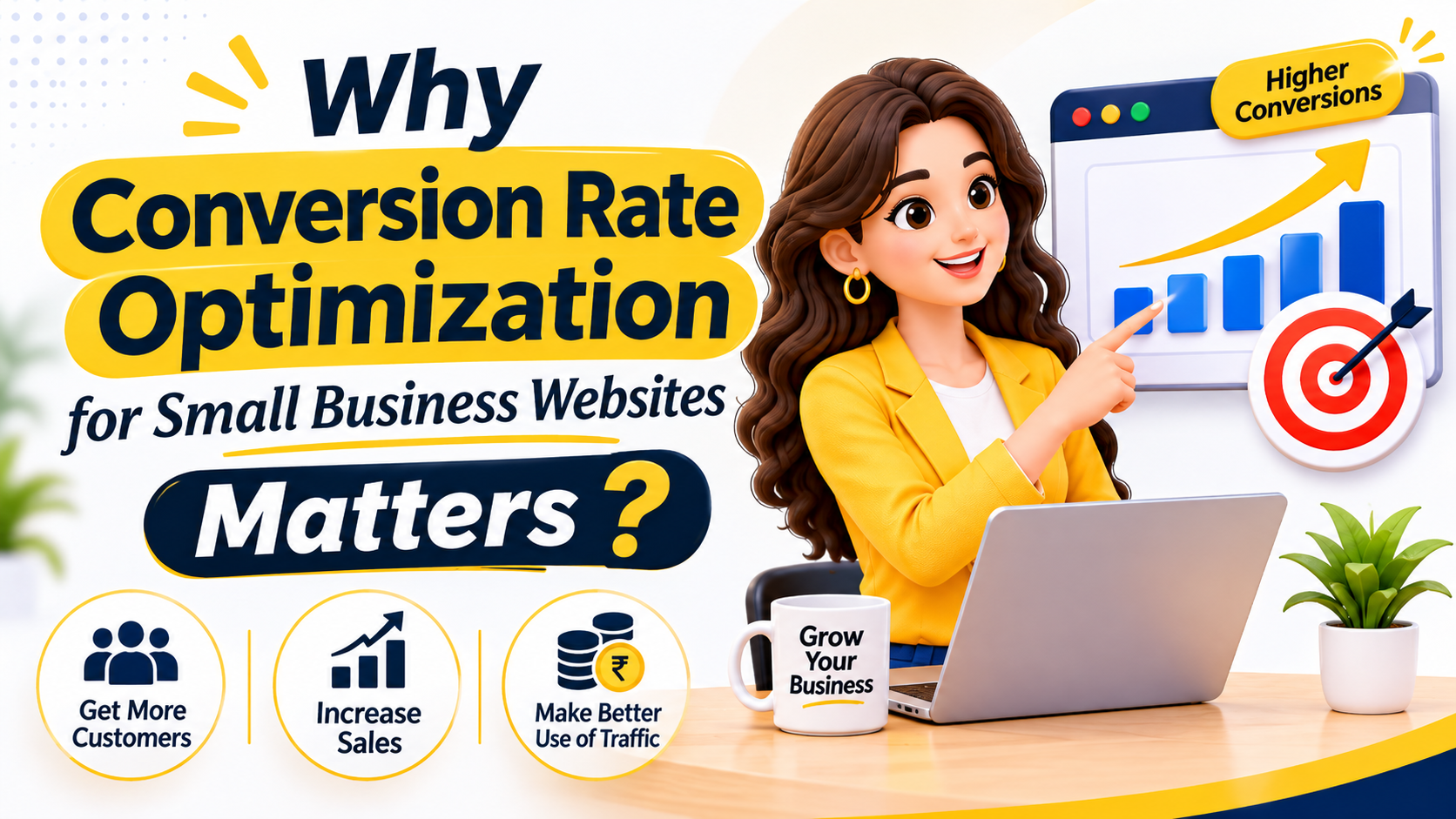
A website can attract visitors and still lose enquiries when the next step is unclear, slow, or difficult on a phone. Conversion rate optimization for small business websites is the process of finding and fixing those obstacles. It does not mean pressuring every visitor to buy. It means helping the right visitor understand an offer and take a useful next step.
Why Conversion Rate Optimization for Small Business Websites Matters
Most small businesses already spend money or time to bring people to their website, through search, social media, ads or word of mouth. If those visitors leave without calling, booking or asking for a quote, that effort is wasted. Conversion rate optimization for small business websites helps you get more value from the traffic you already have, which is often cheaper than paying for new visitors. Strong conversion rate optimization for small business websites starts with understanding why visitors leave.
It also improves the experience for customers. When a page answers questions clearly and the next step is easy, people feel more confident. That is good for your enquiries and good for your reputation.
Start with One Important Action
Choose the action that matters most on a page: calling, booking, requesting a quote, or buying. Make the page answer the questions a person needs answered before taking that action. A service page should explain who the service is for, what is included, where it is available, and what happens after someone contacts you.
Pages that try to push five different actions at once usually confuse visitors. One main action, supported by one secondary option, is easier to follow.This is the foundation of conversion rate optimization for small business websites.
Find Where Visitors Hesitate
Review real enquiry questions, support messages, and sales conversations. If people repeatedly ask about pricing, delivery, timing, or eligibility, make that information easier to find. On the website, check the page on a phone, follow every button, and look for confusing forms, broken links, slow images, or steps that ask for unnecessary details. Use analytics only with appropriate privacy and consent practices. Spotting these gaps is where conversion rate optimization for small business websites begins.
Speed matters too. Slow pages make visitors leave before they read anything, so check your loading performance with the guidance on Google’s Core Web Vitals. Compressing large images is often the quickest win for conversion rate optimization for small business websites.
Make the Next Step Easy to Understand
Use a clear, specific call to action such as “Request a project estimate” rather than a vague “Submit.” Keep forms limited to information needed for the first response. Explain when and how the business will reply. Put contact options near relevant information, and ensure buttons are easy to tap. Do not hide important terms or make cancellation and pricing details hard to find.
A phone number or WhatsApp link beside every form is a simple safety net for people who prefer to talk. If you need help building clear forms and fast pages, explore Digitoria’s web development services.
Build Trust Beside the Decision
Use genuine reviews with permission, clear contact details, accurate service areas, and examples that show what customers can expect. Avoid invented claims, guarantees you cannot support, or stock testimonials. Trust comes from consistency between the promise on the page and the experience after the enquiry.
Place trust signals close to the moment of decision. A short review beside the enquiry form, or a note about your service area near the call button, answers doubts at exactly the right time. Trust is a quiet but powerful part of conversion rate optimization for small business websites.
Test One Useful Change at a Time
Write down the problem, the change, and the outcome you expect. For example, if visitors leave a quote page without completing it, test a shorter form or a clearer explanation of the response process. Compare results over a meaningful period and enough visits; a handful of clicks can be misleading. Keep the change only if it improves qualified enquiries or another business outcome without harming customer experience.
Changing many things together makes it impossible to know what worked. Slow, single changes teach you more. Patient testing is how conversion rate optimization for small business websites stays reliable.
Measure Quality, Not Just Clicks
Track completed bookings, relevant enquiries, sales, and unanswered or unsuitable leads. A higher conversion rate is not helpful if it brings the wrong requests or creates confusion. CRO works best as a steady cycle: listen, improve, measure, and learn. Small, evidence-led improvements can make a small-business website more useful to customers and more effective for the team. Good conversion rate optimization for small business websites always ties back to real business results.
Common Mistakes in Conversion Rate Optimization for Small Business Websites
Small teams often repeat the same errors. They copy a competitor’s layout without knowing whether it works, add pop-ups that block the page on mobile, or ask for too many form fields. Others change the design every few weeks, so they never learn which change helped.
Another common mistake is chasing traffic while ignoring the page people land on. If you run ads, send visitors to a page that matches the ad’s promise. Our guide to Google Ads in Ajmer explains how ads and landing pages should work together.
A Simple 30-Day Plan
In week one, pick your most important page and one action. In week two, read recent enquiries and note repeated questions, then test the page on a phone. In week three, make one change, such as a clearer button or a shorter form. In week four, review the results and decide whether to keep, adjust or undo the change. Repeat the cycle with the next page. This steady routine keeps conversion rate optimization for small business websites manageable even for a small team.
Even a single afternoon of focused work can lift results. That is why conversion rate optimization for small business websites works well for owners who have limited time but want visible progress. A short monthly habit makes conversion rate optimization for small business websites easy to sustain.
Quick Wins You Can Try This Week
You do not need a full redesign to improve results. Some of the most useful changes take an afternoon. Start by rewriting the main button on your most important page so it says exactly what happens next, such as “Book a free consultation” or “Get a price estimate”. Then move your phone number and enquiry button higher on mobile screens, where many visitors decide within seconds.
Next, shorten your enquiry form. If you currently ask for six fields, try asking only for name, phone number and a short message. You can collect further details during the first conversation. Finally, compress oversized images and remove autoplay sliders that slow the page. These small steps are a practical starting point for conversion rate optimization for small business websites because they remove friction without needing new tools.
Page-by-Page Checklist for Better Enquiries
Different pages have different jobs, so review them separately. A home page should quickly explain what you do, who you help and where to go next. A service page should answer detailed questions and lead to one clear action. A contact page should make it easy to reach you by phone, WhatsApp, email or form, and should show your address and working hours.
For a home page, check that the headline is specific rather than clever, that your main service is visible without scrolling, and that there is a visible contact option in the header. For service pages, confirm that the page lists what is included, who it suits, how the process works and what the customer should do next. For blog posts, add a relevant link to a related service so readers who are ready to act can find the next step.
Take the same approach with landing pages used for campaigns. If you run paid campaigns, our guide to Meta Ads in Ajmer shows how the ad message and the landing page should match, so visitors do not feel misled when they arrive.
Improving the Mobile Experience
For many local businesses, most visitors arrive on a phone. A page that looks tidy on a laptop can be frustrating on a small screen if text is tiny, buttons are close together or the form is hard to complete. Open your key pages on your own phone and try to complete the main action as a stranger would.
Look for text that needs zooming, pop-ups that cover the content, menus that are hard to open and forms that hide the keyboard. Use tap-friendly buttons with space around them, keep line lengths comfortable and make sure the phone number can be tapped to call. A smooth mobile experience is one of the most dependable improvements in conversion rate optimization for small business websites, because it removes problems that visitors rarely mention but often quietly leave over.
If you only fix one thing this month, make it the phone experience. Mobile fixes are often the fastest win in conversion rate optimization for small business websites.
Writing Forms That People Finish
Forms are where interest turns into an enquiry, so they deserve close attention. Each extra field is another reason to stop. Ask only for what you need to respond well. If you need more detail later, ask during the first call or reply. Better forms are one of the quickest gains in conversion rate optimization for small business websites.
Use clear labels above each field instead of relying on placeholder text that disappears. Explain errors in plain words and keep the information the visitor already entered. Add a short line under the button that says when you will reply, for example “We usually reply within one working day”. Add a privacy note that says how the details will be used. These small touches build confidence and reduce abandoned forms.
Also test the form yourself every month. Submit a test enquiry, confirm that it reaches the right inbox and check that the confirmation message makes sense. A form that silently fails is one of the costliest problems a small business can have, because the lost enquiries never show up in a report.
Using Customer Language on Your Pages
Visitors respond to pages that sound like their own thinking. Read recent enquiry messages, call notes and reviews, and note the exact words customers use to describe their problem. If people say “same-day repair” or “monthly accounts help”, use those phrases in headings and descriptions instead of internal jargon.
This also helps you spot missing content. If many customers ask whether you serve a certain area or what a service costs, add a short section that answers it. Clear, honest answers reduce back-and-forth and bring you better-qualified enquiries, which is the real goal of conversion rate optimization for small business websites.
Simple Tools for Small Teams
You can begin with free or low-cost tools. A basic analytics setup shows which pages people visit and where they leave. A heat map or session recording tool can show where visitors click or get stuck, though you should use such tools only with proper privacy notices and consent. A spreadsheet is enough to track enquiries, sources and outcomes.
Do not let tools replace judgement. Numbers tell you what happened, but conversations with customers explain why. Combine both: review the data monthly, read a few real enquiries, and decide on one improvement to test. Keep a short log of each change so your team remembers what was tried and what happened. Tools support conversion rate optimization for small business websites, but they never replace customer insight.
Examples of Small Changes That Help
A dental clinic might replace a generic “Contact us” button with “Book an appointment” and add its opening hours beside it. A home interior studio could show three recent projects with location and budget range, so visitors know whether the studio fits their needs. A tuition centre might list batch timings, fees and a WhatsApp number on the same page, so parents do not need to hunt for details.
A local retailer could add a simple “Visit our shop” block with a map, parking note and opening hours. A consultant could replace a long introduction with a short summary of services and a clear booking link. None of these changes require advanced skills, but each makes the next step clearer for a real visitor. These are realistic examples of conversion rate optimization for small business websites in action.
How to Read Your Results
After making a change, give it enough time and enough visits before judging it. A week with a festival, a sale or a holiday can distort the picture. Compare similar periods where possible, and look at several measures together: enquiries, calls, bookings, sales and the quality of the leads.
If a change improves the number of enquiries but the team receives more unsuitable requests, adjust the message so it attracts the right people. If a change has no clear effect, that is still useful learning. Record it, remove it if it adds clutter, and move on to the next idea. Patience and consistency matter more than any single trick.
Keep your expectations realistic. Conversion rate optimization for small business websites rarely brings overnight jumps, but steady testing usually produces clearer pages and better enquiries over a few months.
Building a Monthly Routine
The businesses that improve steadily usually treat this as a routine, not a project. Set aside one hour each month. Review your top pages, read recent enquiries, test your forms on a phone and choose one improvement to try. Write down what you changed, why you changed it and what you expect.
Over a year, twelve small and thoughtful improvements can change how your website performs. The key is to keep the process simple enough that you will actually continue it, and to keep customers at the centre of every decision.
Treat conversion rate optimization for small business websites as part of your normal marketing routine, alongside content, ads and customer follow-up. When it becomes a habit, each small improvement adds up.
Frequently Asked Questions About Conversion Rate Optimization for Small Business Websites
What is a good conversion rate? It depends on your industry, offer and traffic source. Compare your own results over time instead of chasing a number you saw elsewhere.
Do I need expensive tools? No. A simple analytics setup, a phone test of your key pages and a record of customer questions are enough to start.
How long before I see results? Some fixes, like a clearer button or faster images, show an effect within weeks. Judge changes only after enough visits, not after a few days.
Conversion rate optimization for small business websites is not a trick to squeeze more clicks. It is a habit of listening to customers, removing obstacles and checking whether each change really helps. Start with one page, one action and one improvement, and build from there.
Whether you run a shop, clinic, studio or service business, conversion rate optimization for small business websites helps turn existing visitors into real customers without extra advertising spend.
For help improving your website, explore Digitoria’s web development services.