 Digitoria
WhatsApp
Blog / DIGITORIA JOURNAL
Website Accessibility for Small Businesses: A Practical Guide to Inclusive Digital Experiences
Website accessibility for small businesses means building a site that people can...
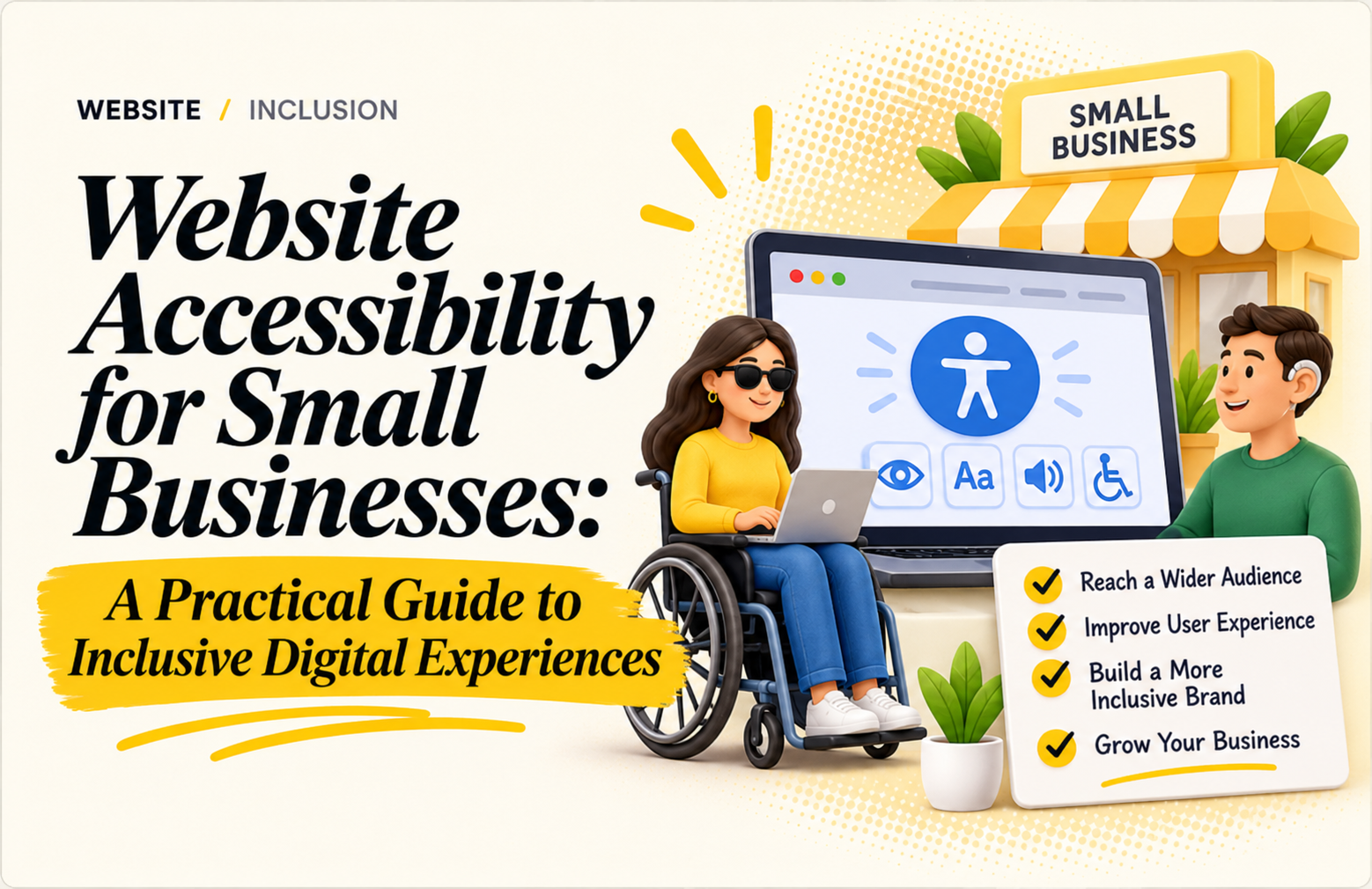
Website accessibility for small businesses means building a site that people can use regardless of disability, device or browsing situation. It also makes information clearer for every customer, from someone using a keyboard to a visitor reading on a small screen. For a small business, accessibility is a practical part of good service: visitors should be able to understand your offer, contact you and complete the next step without avoidable barriers.
Why Website Accessibility for Small Businesses Matters
Many owners think accessibility is only for large companies, but small businesses often gain the most. An accessible site reaches more customers, loads and reads more clearly, and builds trust from the first visit. It also tends to improve search visibility, because clear headings, descriptive links and meaningful alt text help both people and search engines understand your pages.
Accessibility also protects your reputation. A visitor who cannot use your booking form will simply leave and choose a competitor. Removing those barriers means fewer lost enquiries and a smoother experience for everyone.
Start with the customer journey
Walk through the pages people rely on most: your home page, service pages, contact form, booking flow and checkout. Try using the site with a keyboard only. Can you see which link or button is selected? Can you reach every field and submit the form? Check that the focus indicator is visible and that the tab order follows the page logically.
Make content easier to see and understand
Use readable text sizes, strong contrast between text and background, descriptive headings and link labels that explain their destination. Avoid placing essential text inside images. Add meaningful alternative text to informative images, and leave decorative images with empty alt text so screen readers can skip them. Write instructions and error messages in plain language.
Build accessible forms and media
Give every form field a visible label. Explain required fields before submission, identify errors in text and tell people how to correct them. Make buttons large enough to tap comfortably. Add captions or transcripts for video and audio that carry important information. Do not rely on colour alone to communicate success, warnings or required actions.
Common accessibility mistakes to avoid
Small teams often repeat the same mistakes. Watch out for these:
- Low-contrast text, such as light grey on white
- Missing or vague alt text like “image1”
- Links that only say “click here” or “read more”
- Forms that use placeholder text instead of real labels
- Pop-ups that cannot be closed with the keyboard
- Videos that play automatically without controls
Fixing even a few of these makes your site noticeably easier to use. For detailed standards, the W3C Web Accessibility Initiative guidelines are a reliable reference.
Test the pages that matter most
Automated checkers can flag common contrast and markup issues, but they cannot judge the whole experience. Combine a quick automated scan with keyboard testing and a review on mobile. Ask a few customers for feedback when appropriate, and provide another way to contact your business if a digital task is difficult. A phone number or email address next to every form is a simple safety net.
Remember that website accessibility for small businesses is not a one-time project. Every new page, banner or plugin you add can introduce new barriers, so review each change before it goes live. Treating website accessibility for small businesses as part of your regular publishing routine keeps your site usable for everyone.
A simple accessibility improvement plan
Follow these steps, one page at a time:
- Choose one high-value page, such as your home page or main service page.
- List the barriers you find using a keyboard, a mobile phone and a free automated checker.
- Fix the issues, starting with contrast, labels and alt text.
- Retest the task from start to finish, such as filling in the contact form.
- Repeat the process for the next page.
Keep a short record of what changed and check it again after redesigns or plugin updates. Small, steady improvements are easier to maintain than a one-time checklist.
Quick accessibility checklist
Before you publish any page, confirm that headings follow a logical order, every image has suitable alt text, links describe where they lead, forms have visible labels, and the page works with a keyboard alone. This five-minute check catches most common problems.
Final thoughts on website accessibility for small businesses
Accessible design supports trust because customers can find information and act with confidence. Start with your most important customer task, remove the barriers you can verify, and keep improving as your website grows. With steady effort, website accessibility for small businesses becomes a habit that improves service for everyone.
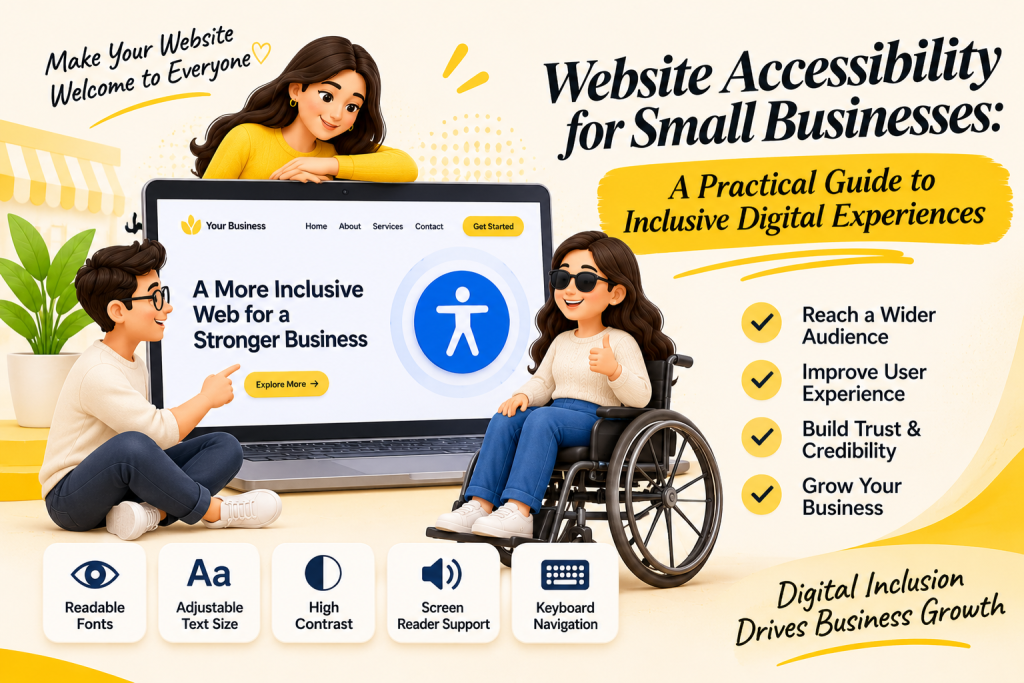
Need help making your website easy to use for every visitor? Talk to the team at Digitoria in Ajmer, explore our web development services or contact us for a practical plan.